
Download MadLipz APK – Dub and sub funny video clips
Overview
MadLipz is a desktop application designed for creating humorous video content by dubbing or subtitling short video clips with custom audio and text. The software enables users to transform existing video snippets into entertaining meme-style content, ideal for social media sharing. Its primary function revolves around simplifying the process of voiceover creation and subtitle integration, making it accessible even to non-technical users. The target audience includes content creators, social media enthusiasts, and casual users interested in producing viral-style videos without complex editing tools.
The app is developed by Eigenuity Inc., a company focused on creative multimedia utilities. MadLipz operates within the context of internet culture, particularly the growing trend of short-form video humor. Users can select from a curated library of clips sourced from diverse media such as music, news, movies, and television shows. These clips are limited to 15 seconds or less, aligning with the format of popular meme videos. Real-world usage scenarios include creating comedic skits, parody content, or romantic satire for platforms like TikTok, Instagram Reels, and YouTube Shorts.
The developer did not provide additional system requirements. Platform compatibility information is limited to the APK format, indicating mobile deployment. Performance observations are based on general software behavior patterns.
Key Features & Capabilities
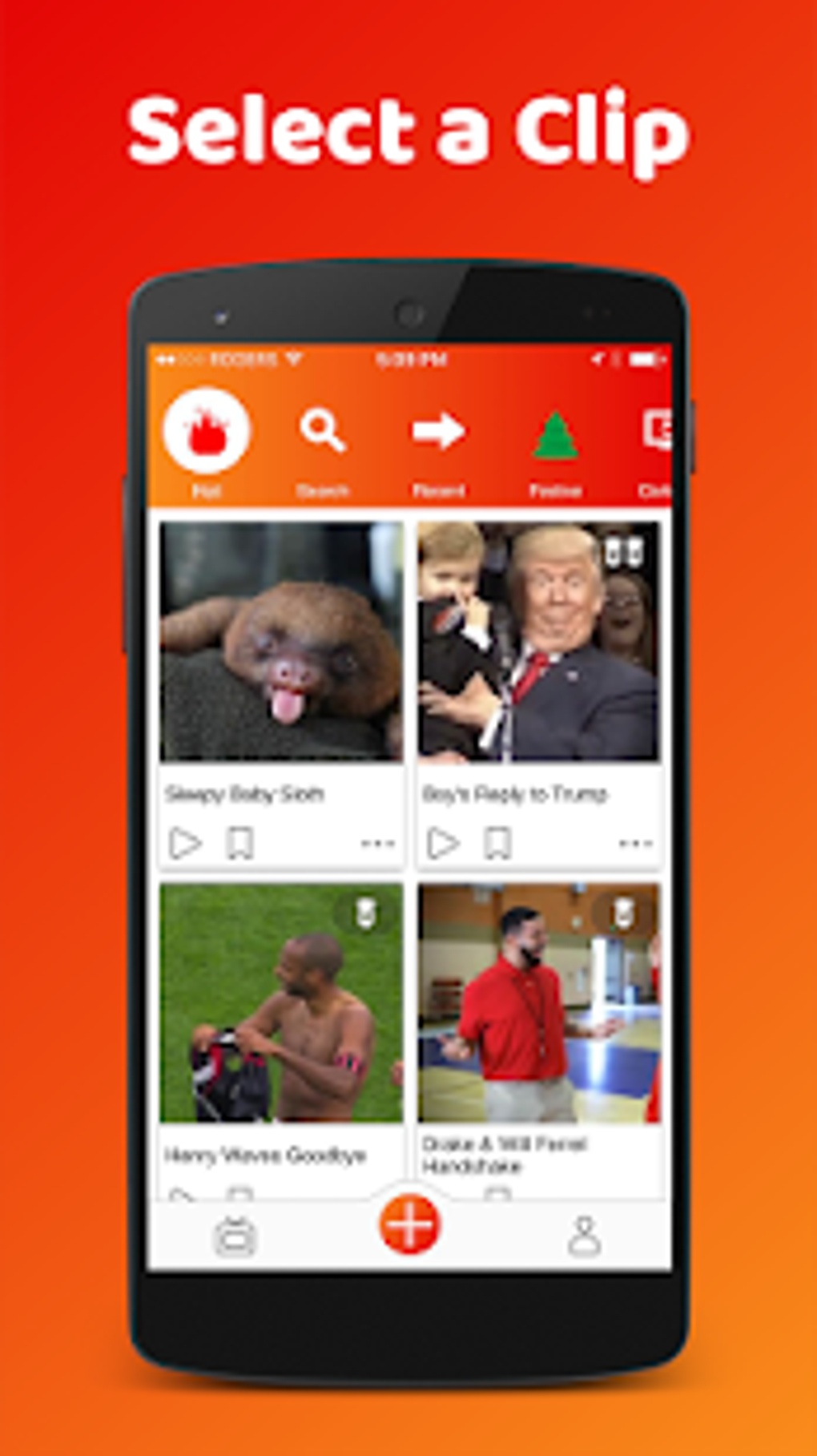
- Large Library of Short Clips – Access to a growing collection of 15-second or shorter video clips from various media sources including music, news, movies, and TV shows. Clips are organized into thematic categories such as Humor, Romance, and more, enabling quick navigation.
- Simple Dubbing and Subtitling Tools – Users can add voiceovers by speaking into a microphone or insert subtitles by typing directly into designated text boxes. The interface supports both dubbing (replacing original audio) and subbing (adding on-screen text).
- Intuitive Editing Timeline – A visual timeline allows users to align voiceovers and subtitles precisely with video content. Controls are designed for ease of use, enabling adjustments to timing and placement with minimal effort.
- One-Tap Sharing – Completed clips can be saved locally or shared directly to popular social media platforms, streamlining the content distribution process.
- Quick Clip Loading – The application demonstrates fast loading times, likely due to the short duration of clips. This ensures minimal delay between selection and editing.
Each feature supports the core purpose of rapid, fun content creation. For example, the 60-character limit per subtitle box encourages concise, impactful text, ideal for meme culture. The ability to add up to three subtitle boxes per clip enhances creative flexibility without overcomplicating the interface.
User Interface, Workflow & Performance
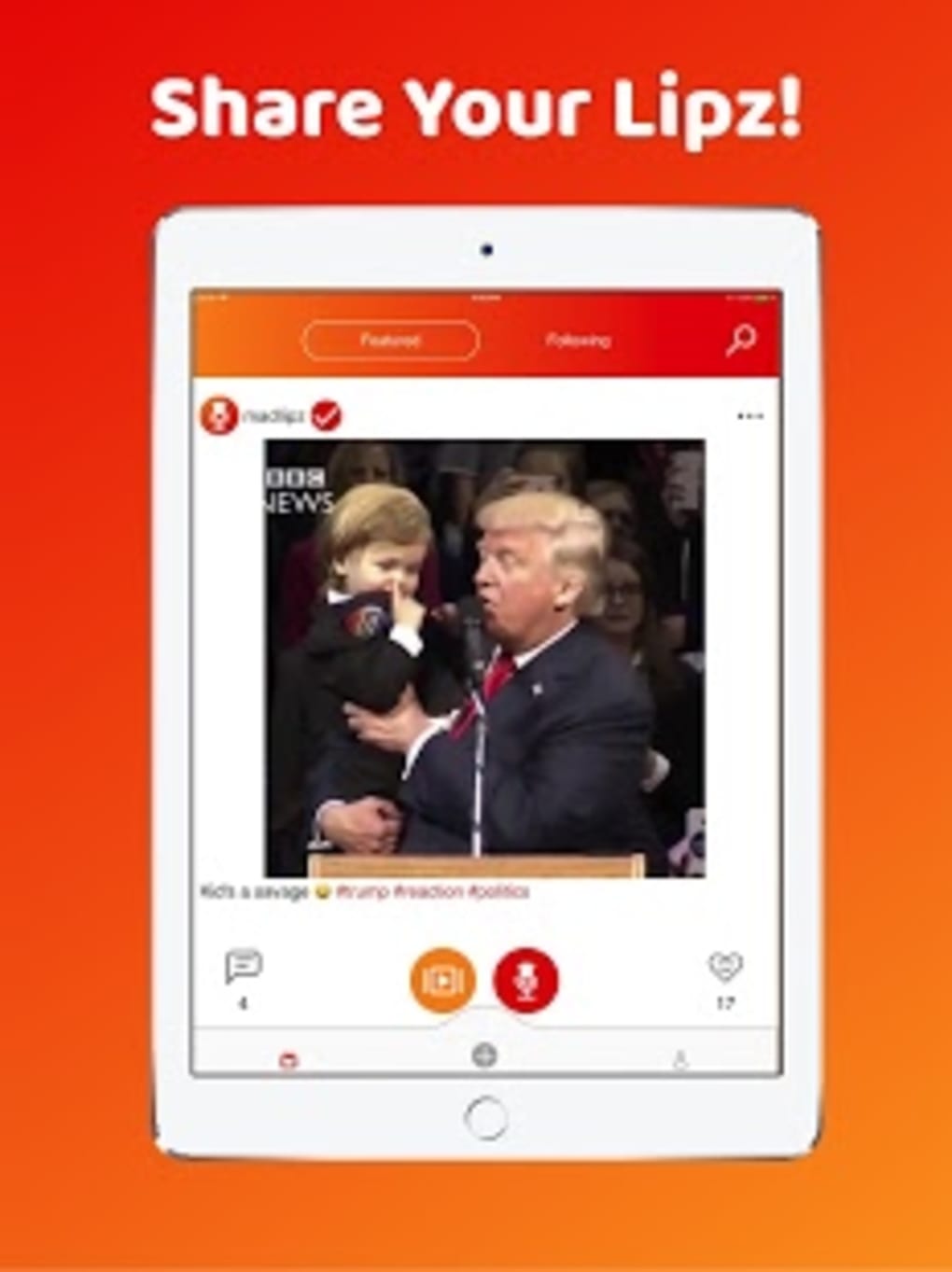
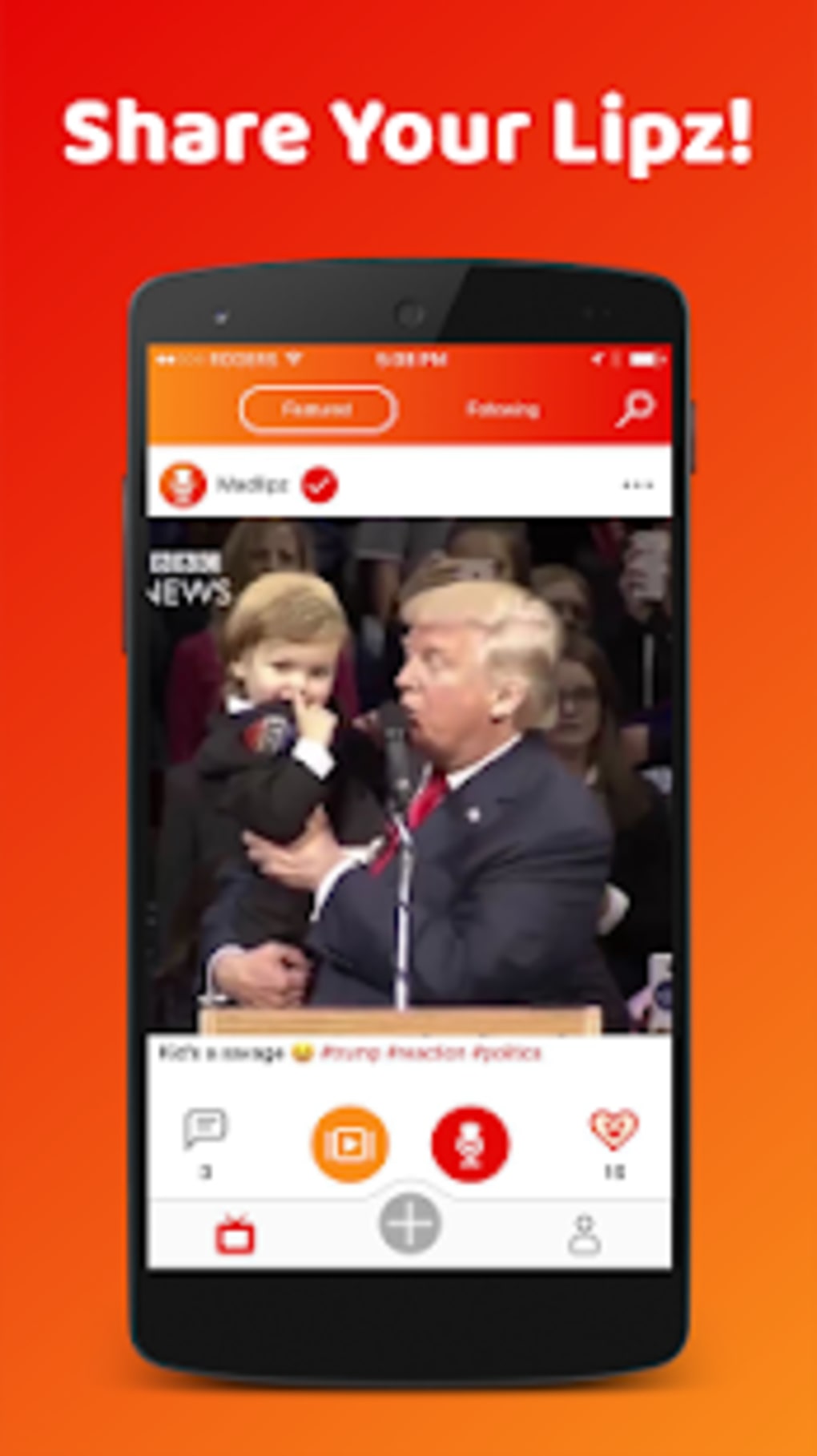
The user interface is structured around a central video preview window, with a bottom navigation bar housing the primary controls. The red Plus sign icon serves as the main entry point for starting a new dub or sub project. Navigation is straightforward, relying on visual cues and minimal menu layers, which contributes to a smooth user experience.
Workflow efficiency is high, as the process from clip selection to sharing involves only a few steps. Users select a clip, choose between dub or sub, record audio via microphone, type subtitles, and then export or share. The timeline interface provides real-time feedback during editing, allowing for precise synchronization.
Performance observations are based on general software behavior patterns. The developer did not specify resource usage details. However, given the short clip length and lightweight editing tools, the software likely maintains low CPU and RAM consumption during operation. Stability appears consistent, with no reported issues related to crashes or freezes in the provided description.
Compatibility & System Requirements
MadLipz is available as an APK file, indicating it is designed for Android-based devices. The operating system support is limited to Android platforms, though specific version requirements were not listed. Installation size is not specified, nor are hardware requirements such as minimum RAM or processor speed.
Exact system requirements were not listed. Compatibility information was partially provided. The software is intended for mobile use, and no desktop OS support was mentioned. Users should ensure their device meets standard Android application requirements for optimal performance.
Pros and Cons
Pros
- Simple and intuitive interface ideal for beginners
- Large, well-organized library of short video clips
- Fast clip loading and responsive editing tools
- One-click sharing to social media platforms
- Designed specifically for creating viral meme content
Cons
- Video quality of clips is not high, which may affect visual appeal
- Limited to Android via APK; no desktop version available
- Subtitles are restricted to three boxes with a 60-character limit
- No information on offline functionality or cloud sync
- Exact system requirements and performance data not disclosed
FAQ Section
Is MadLipz available for Windows or Mac?
MadLipz is currently distributed as an APK file, which indicates it is designed for Android devices. There is no official desktop version available for Windows or Mac at this time.
Can I use MadLipz without an internet connection?
The provided information does not specify whether the app supports offline usage. While some features may work after initial download, full functionality likely depends on online access for clip retrieval and sharing.
What kind of content can I create with MadLipz?
You can create humorous, parody, or romantic meme-style videos by dubbing or subtitling short clips. The app is ideal for social media content, especially for platforms that favor quick, entertaining videos.
Is MadLipz safe to download and use?
As a third-party APK, users should ensure they download from trusted sources. While the developer is Eigenuity Inc., the safety of the file depends on the distribution channel. Always verify the source before installation.
How often are new clips added to the library?
The library is described as continuously growing, with new clips added daily. However, no specific update frequency or release schedule was provided.
Final Thoughts + CTA
MadLipz delivers a focused, fun experience tailored to the modern creator who wants to produce viral video content with minimal effort. Its simple interface, quick workflow, and extensive library of short clips make it a compelling choice for anyone interested in meme culture. While it lacks high-resolution video output and desktop compatibility, these limitations are consistent with its intended purpose: fast, shareable humor.
For casual users and social media content creators, MadLipz offers a streamlined path to creativity. The ease of dubbing, subtitling, and sharing aligns perfectly with today’s digital content landscape. Despite missing details on system requirements and offline use, the app’s strengths in usability and speed stand out.
Download MadLipz now





.png)

